
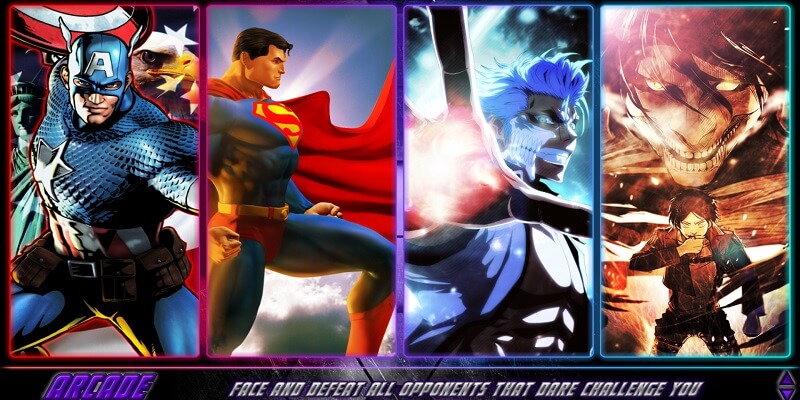
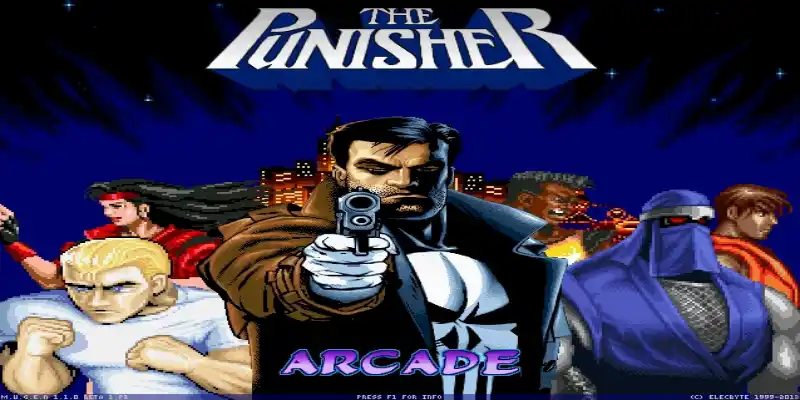
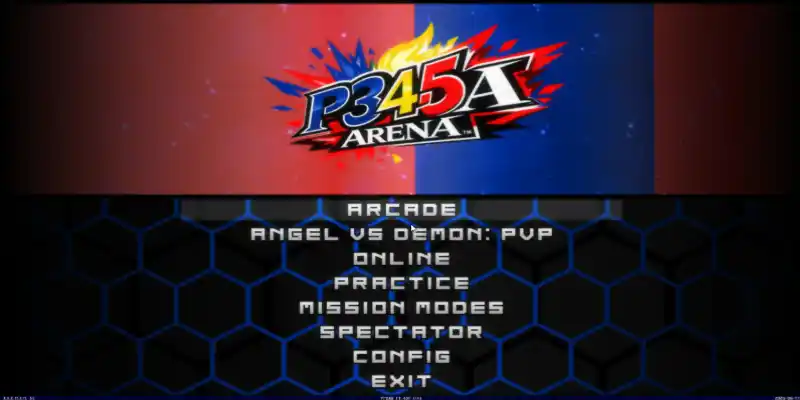
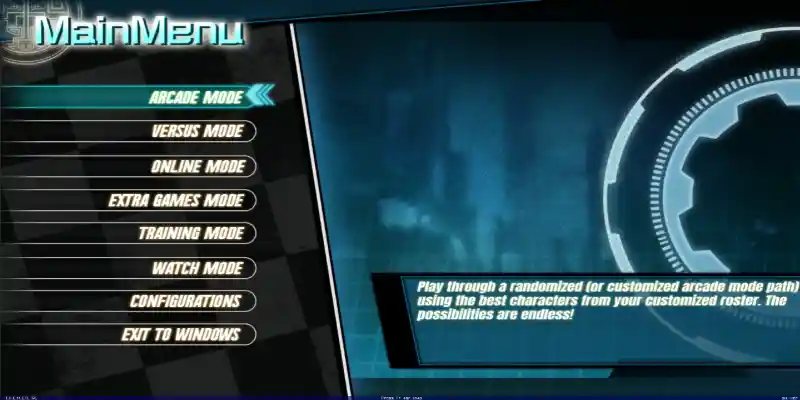
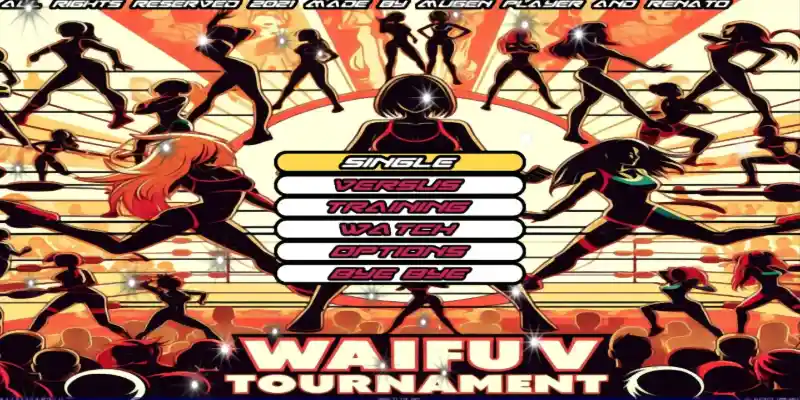
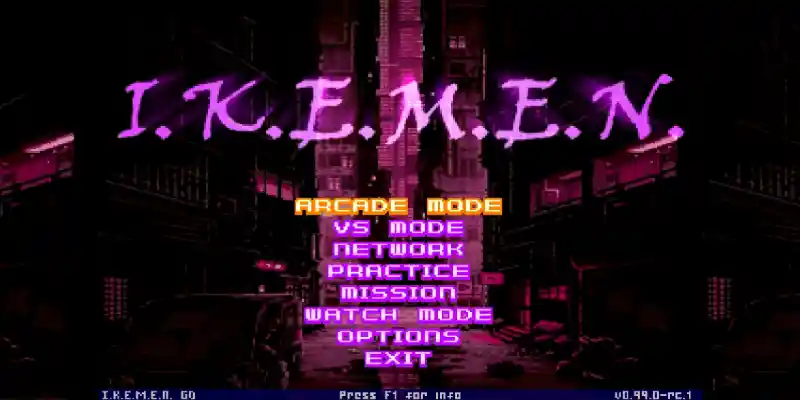
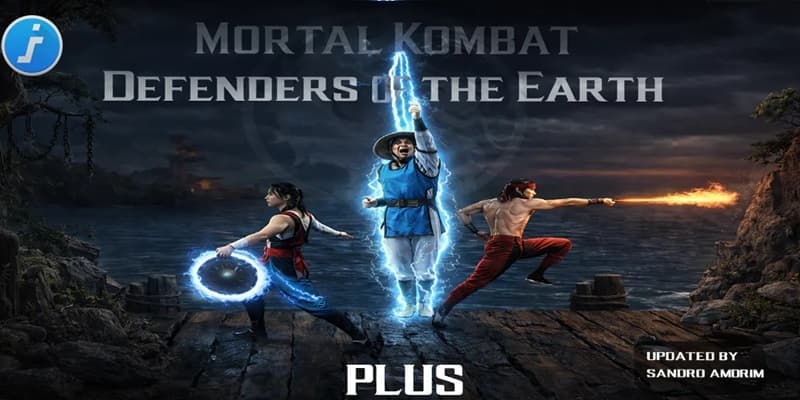
Download My Legacy 1.1 Mugen Update, a fun fangame developed with the free Mugen 2D video game engine, featuring different game modes such as single player, two-player versus modes, team battles, AI-only battles, customization options, and more.
You can try playing it on other platforms, such as Android phones, with emulators like ExaGear or Winlator. We have tutorials for that on our YouTube channels or right here in the tutorials section of the menu.
Follow us on our social media so you don't miss out on upcoming games, tutorials, updates, and more.
Game Information:
Platform:
PCAuthor:
Mikazuki The MugeniteCompressed:
39.29 GBUnzipped:
74.40 GBStorage:
113.69 GBRendermode:
OpenGLLinks download:
Instructions:
Playing Instructions:
(Open) If the game has only one part:
- Have WINRAR installed, the free trial works and is downloaded from the official website.
- Then right click on the game file.
- Look in the menu for the WINRAR icon or section and select the "Extract to" or "Extract here" option.
- Wait for the game to finish extracting.
- The folder with the game files will be created.
- Open the folder and run the icon with .exe extension can have the Mugen icon or the name of the game.
(Open) If you have several parts:
- Download all the complete parts and have them together in the same folder, if any part is missing the game may not work.
- Have WINRAR installed, the free trial works and is downloaded from the official website.
- Right click on part number 1 and then look for the WINRAR icon or section in the menu and select the "Extract to" or "Extract here" option.
- It will start extracting that part of the game and usually continue automatically with the other parts until all parts are finished.
- If it does not continue automatically with the other parts, you must extract each part of the game separately and make sure that all the extracted files are saved inside the same folder, if they are extracted in separate folders, you must put them all together inside a single folder
- Open the folder and run the icon with .exe extension may have the Mugen icon or the name of the game.
(Open) If you are going to apply a Patch:
- Download the patch.
- Have WINRAR installed, the free trial works and is downloaded from the official website.
- Right click on the patch file and then look in the menu for the WINRAR icon or section and select the "Extract to" or "Extract here" option.
- Start extracting until finished.
- Then open the folder that was created and copy all the files and folders inside.
- Now you must go to the folder of the game you are going to update and paste inside the files you copied, it will ask you to replace some files you must accept and wait for it to finish.
- When finished you will have the game updated to the new version.
If any message, error or problem arises when extracting the game, maybe the compressed file or if it is of several parts, it did not download correctly, try to download the game again and if it still does not work comment us in this page below or in some of our social networks to verify and try to change the game file and publish it again.
Hola, intento descargar desde 1fichier, pero dice enlace caducado, y no deja, lo podéis volver ha activar? Gracias!!
Hola amigo verificamos el enlace y sigue activo, te dejo el tutorial de descarga aqui
Unfortunately, nothing, writes about this error – I even tried it through VPN =(
Maybe there is a torrent file or google 10gb files as they have already done here?
For now we don’t have more options to download my friend, it’s strange that it doesn’t work for you, but we will try to include more download options for now, just these, Regards
Hello! update link please)
“The link your requested is expired.
You must use and follow original 1fichier.com links to access your contents.”
Hello friend we verified the 1fitcher link on several devices and it is still working fine, please try again, Regards
help i when i open the game it crashes and when i reopen it it shows a white screen
Hello friend, have you tried waiting a few minutes to see if the game starts? We recommend it because these heavy games always take a long time to load, they can even take up to 6 minutes, when you start it try to wait to see if after a few minutes the game starts, if it doesn’t work that way you will have to download again to see if it was that The previous download did not download correctly, Regards
i redownload it again and still it just having a black screen im just waiting like more than 6 minutes
but did it work for you?
nioe it just showed me a black screen when i open it
no it was showing a black screen
The second option is that you try to download the game again, since it may not have been downloaded correctly, and if it does not work then your PC may not support the game.
is there a way to upload to google drive?
I tried reinstalling because not all the characters appeared but when I reinstalled, it said it would take a day to download. So, when I canceled the download, it said i had to wait 19 hours T-T
Hello friend, for now we only have the published methods, Regards
ok thanks
well it said that mugen is not working
I am sad, itred to played it for a while
it failed big time
So it’s hard to help you friend, maybe the game didn’t download well or your PC doesn’t support the game
CANT PLAY AT ALL
what can i do
by xin
Hello friend, you must indicate if any error appears on the screen or what problem the game presents you and at what moment if when you run it or when it starts etc, if you only say that you cannot play we cannot help you, Regards
help me
Hello friend, what is wrong with you?
i just tried 1file it didnt work
file not found
It is strange because we are checking it at this moment and it indicates that everything is fine, we just recorded it, you can see the date and time below
Hi
apparently the other and MEgan i can’t use
Is there another way to use it
Ifile said can’t be found
Hello friend, both links work, for now they are the only ones available, Regards
Hi there,
The other link is broke, can you please upload using zippy or mediafire? thanks
Hello friend, we check the other link and if it works you just have to wait a couple of minutes for the download button to be enabled and that’s it, as for mediafire it doesn’t let you upload such large files for free, and zyppy only admits files of a maximum 500mb for free, that’s why we can’t use them for files that are many GB, Regards