
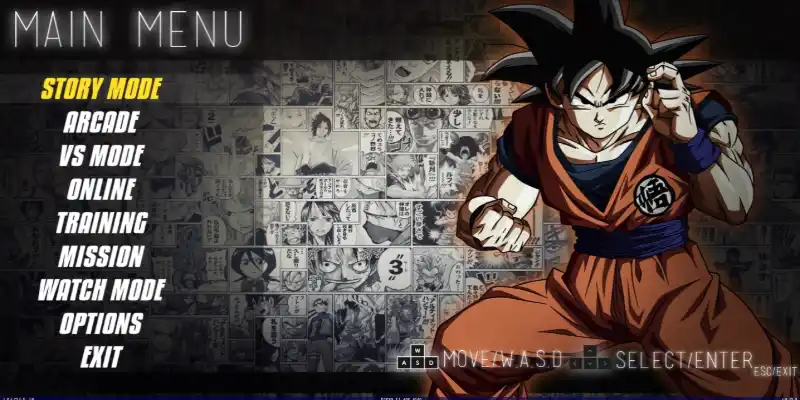
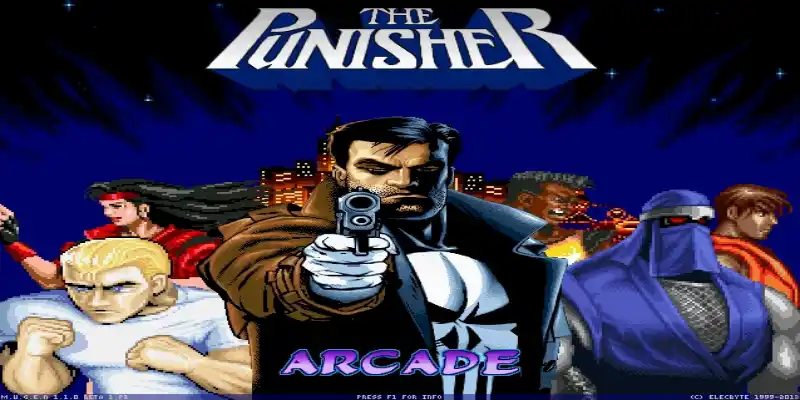
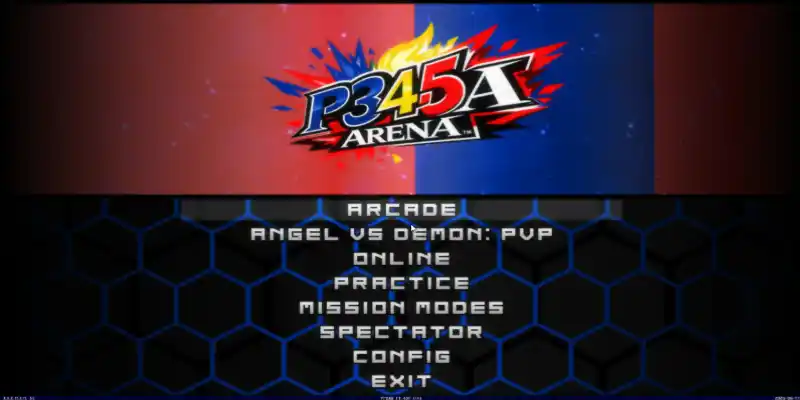
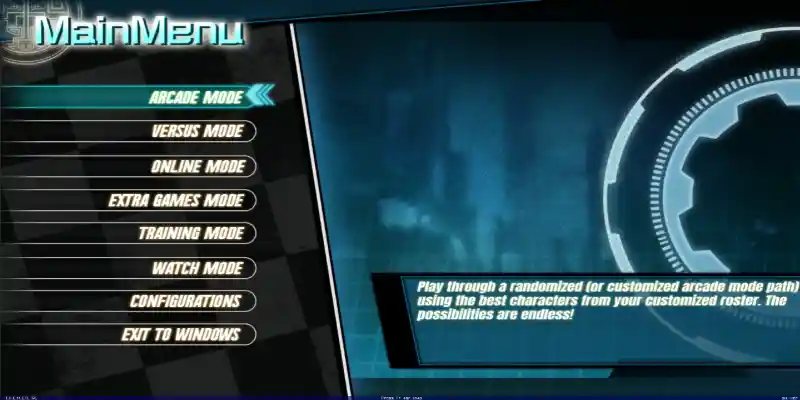
Download Coruscation Mugen 3000+ Chars, a fun fangame developed with the free Mugen 2D video game engine, featuring different game modes such as single player, two-player versus modes, team battles, AI-only battles, customization options, and more.
You can try playing it on other platforms, such as Android phones, with emulators like ExaGear or Winlator. We have tutorials for that on our YouTube channels or right here in the tutorials section of the menu.
Follow us on our social media so you don't miss out on upcoming games, tutorials, updates, and more.
Game Information:
Platform:
PCAuthor:
Mikazuki The MugeniteCompressed:
34 GBUnzipped:
N/AStorage:
N/ARendermode:
?Links download:
Instructions:
Playing Instructions:
(Open) If the game has only one part:
- Have WINRAR installed, the free trial works and is downloaded from the official website.
- Then right click on the game file.
- Look in the menu for the WINRAR icon or section and select the "Extract to" or "Extract here" option.
- Wait for the game to finish extracting.
- The folder with the game files will be created.
- Open the folder and run the icon with .exe extension can have the Mugen icon or the name of the game.
(Open) If you have several parts:
- Download all the complete parts and have them together in the same folder, if any part is missing the game may not work.
- Have WINRAR installed, the free trial works and is downloaded from the official website.
- Right click on part number 1 and then look for the WINRAR icon or section in the menu and select the "Extract to" or "Extract here" option.
- It will start extracting that part of the game and usually continue automatically with the other parts until all parts are finished.
- If it does not continue automatically with the other parts, you must extract each part of the game separately and make sure that all the extracted files are saved inside the same folder, if they are extracted in separate folders, you must put them all together inside a single folder
- Open the folder and run the icon with .exe extension may have the Mugen icon or the name of the game.
(Open) If you are going to apply a Patch:
- Download the patch.
- Have WINRAR installed, the free trial works and is downloaded from the official website.
- Right click on the patch file and then look in the menu for the WINRAR icon or section and select the "Extract to" or "Extract here" option.
- Start extracting until finished.
- Then open the folder that was created and copy all the files and folders inside.
- Now you must go to the folder of the game you are going to update and paste inside the files you copied, it will ask you to replace some files you must accept and wait for it to finish.
- When finished you will have the game updated to the new version.
If any message, error or problem arises when extracting the game, maybe the compressed file or if it is of several parts, it did not download correctly, try to download the game again and if it still does not work comment us in this page below or in some of our social networks to verify and try to change the game file and publish it again.
Hi I am the author of this, and I saw this person’s (xin li) comments on my video as well apparently he is saying the game isn’t working for him because he can’t see the character slots so I am assuming he is new to mugen. because there are mugens with character slots small that you cannot see them that’s how it is. I apologize you had to deal with this user. but I got it from here for I already responded to their comments.
sorry for the rudeness
but i know mugen as i played for a while
but i can’t play the game
i got issue saying
characters need to be upgraded
and the player one is error loading
it makes no sense for me to do it cause it wont work at all
just like 1200sincerely
xin
If you want to make the slots bigger, I don’t think it’s possible because then there wouldn’t be room for everyone.
They are placed that way so that they all fit.
can you make it a bit bigger i can’t see the characters sincerley xincan you make it a bit bigger i can’t see the characters sincerley xin
increase the resolution of the game
i told you i can’t just like in 1200 game
it is not right for us to change
i wish it get fixed
can you make it a bit bigger i can’t see the characters
sincerley
xin
Hi, you need to increase the resolution of the game so that it appears larger.
Hi. How to increase the resolution of the game?
Hello, here we have a tutorial https://youtu.be/muC7Ou4I4wU?si=MPBdbaTfOuY0XiTB
page not found
Hi, we’ve already put up a new link, thanks for letting us know.
game is not working at all
whty is that
i dont understand it
at all
fix it
stop making me write complains
I gave you the author’s link, write to him and ask him to help you
https://www.youtube.com/watch?v=VibFW3auGSs&ab_channel=MikazukiTheMugenite
not working
he or she is not helping
at all
Did you tell him about the mistake in his YouTube video?