
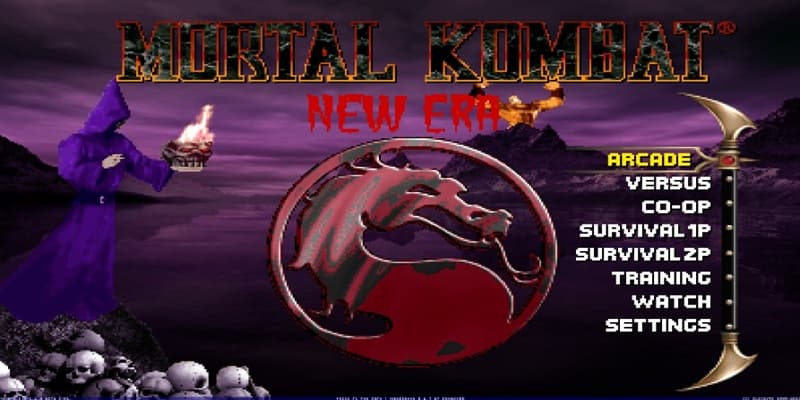
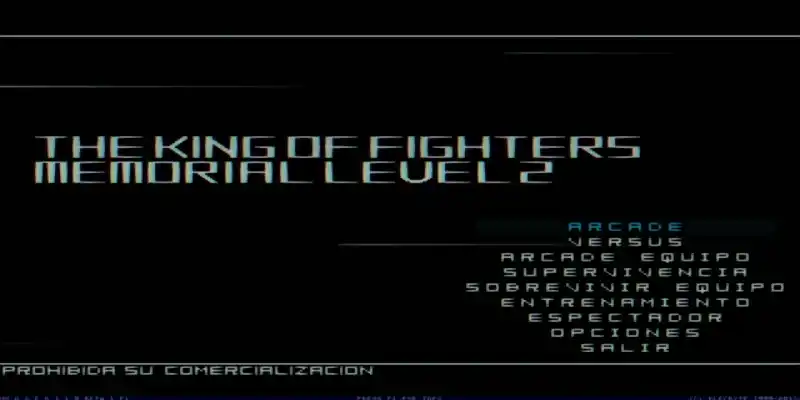
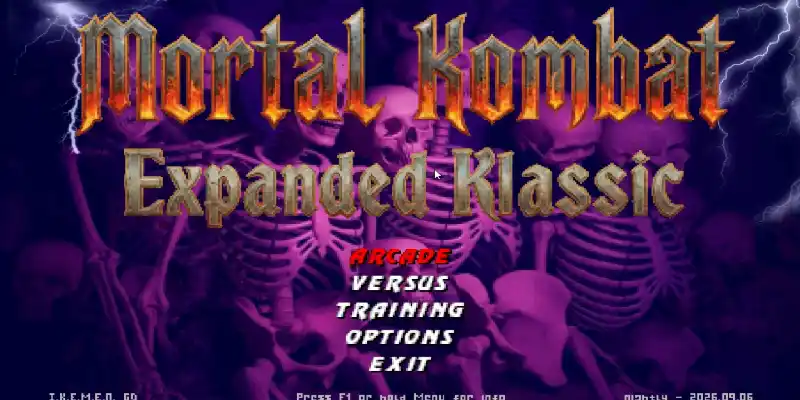
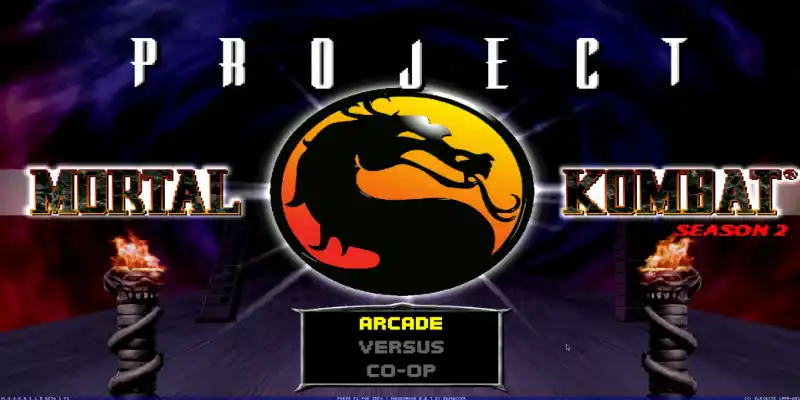
Download MK NEW ERA 2026 Mugen, a fun fangame developed with the free Mugen 2D video game engine, featuring different game modes such as single player, two-player versus modes, team battles, AI-only battles, customization options, and more.
You can try playing it on other platforms, such as Android phones, with emulators like ExaGear or Winlator. We have tutorials for that on our YouTube channels or right here in the tutorials section of the menu.
Follow us on our social media so you don't miss out on upcoming games, tutorials, updates, and more.
Game Information:
Platform:
PCAuthor:
Fight Night XCompressed:
4.40 GBUnzipped:
7.14 GBStorage:
11.54 GBRendermode:
OpenGLLinks download:
Instructions:
Playing Instructions:
(Open) If the game has only one part:
- Have WINRAR installed, the free trial works and is downloaded from the official website.
- Then right click on the game file.
- Look in the menu for the WINRAR icon or section and select the "Extract to" or "Extract here" option.
- Wait for the game to finish extracting.
- The folder with the game files will be created.
- Open the folder and run the icon with .exe extension can have the Mugen icon or the name of the game.
(Open) If you have several parts:
- Download all the complete parts and have them together in the same folder, if any part is missing the game may not work.
- Have WINRAR installed, the free trial works and is downloaded from the official website.
- Right click on part number 1 and then look for the WINRAR icon or section in the menu and select the "Extract to" or "Extract here" option.
- It will start extracting that part of the game and usually continue automatically with the other parts until all parts are finished.
- If it does not continue automatically with the other parts, you must extract each part of the game separately and make sure that all the extracted files are saved inside the same folder, if they are extracted in separate folders, you must put them all together inside a single folder
- Open the folder and run the icon with .exe extension may have the Mugen icon or the name of the game.
(Open) If you are going to apply a Patch:
- Download the patch.
- Have WINRAR installed, the free trial works and is downloaded from the official website.
- Right click on the patch file and then look in the menu for the WINRAR icon or section and select the "Extract to" or "Extract here" option.
- Start extracting until finished.
- Then open the folder that was created and copy all the files and folders inside.
- Now you must go to the folder of the game you are going to update and paste inside the files you copied, it will ask you to replace some files you must accept and wait for it to finish.
- When finished you will have the game updated to the new version.
If any message, error or problem arises when extracting the game, maybe the compressed file or if it is of several parts, it did not download correctly, try to download the game again and if it still does not work comment us in this page below or in some of our social networks to verify and try to change the game file and publish it again.
Как скачать
Файл загружается в разделе “Links download:”.
le jeu MK NEW ERA 2026 Mugen lance normal mais lorsque je choisir n’importe quelle personnage pour jouer le jeu est bloquer et un message d’erreur est sort comme suit:
Library error message: Error reading sprite ../../data/MKP/BattleplanIntro.sff
Cutscene error reading ./chars/chameleon/BattleplanIntro.def
Error detected.
Error loading storyboard: chars/chameleon/BattleplanIntro.def
BG error reading stages\MK2\The_Pit_II_Bottom.def
Clipboard tail:
Charsel init
Selected char 70 on teamslot 0.0
Char chameleon.def (70) request pal 0 3 (3) -> reserved 0 (2)
End of charsel loop
Game loop deinit
Gameflow 8
Char reptile_mk2.def (175) request pal 9 FFF (FFF) -> reserved 9 (DFF)
Gameflow 9
Playing storyboard chars/chameleon/BattleplanIntro.def: scene
Gameflow 10
Entering versus screen.
Unloading match assets
Freeing players
Game loop init
Versus screen init
End of versus screen loop
Game loop deinit
Gameflow 11
Loading match assets…
Loading stage…
Bonjour, cette erreur indique que certains fichiers sont corrompus. Ils sont peut-être endommagés suite à un téléchargement ou une extraction incorrects. Vous pouvez essayer de télécharger à nouveau le jeu et de le lancer pour voir si cela résout le problème. Sinon, essayez de supprimer les fichiers corrompus.
Pour le personnage, supprimez le dossier Chameleon situé dans ce répertoire :
chars/chameleon/BattleplanIntro.def
Pour le niveau, supprimez simplement le fichier The_Pit_II_Bottom.def situé dans ce répertoire :
stages\MK2\The_Pit_II_Bottom.def